Guide
Normal Map vs Bump Map
Both fake small surface detail on a flat polygon, but they store it differently. A bump map is a greyscale height image: the renderer works out the slope from neighbouring pixels while it shades. A normal map stores that slope directly as a direction in red, green and blue, so it is more precise and cheaper to render, which is why games use normal maps. The Normal Map Generator makes both from one photo: its Height view is the bump map, its Normal view is the normal map.
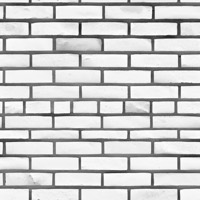
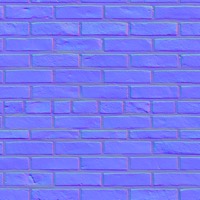
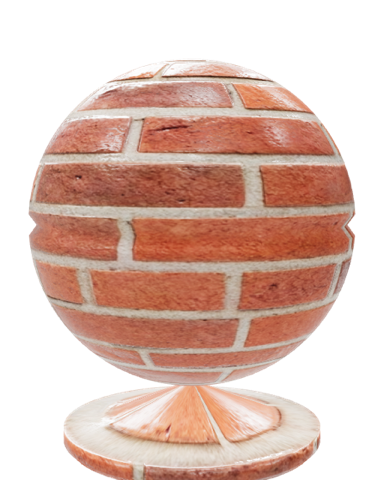
Side by side
Bump map: greyscale, one value per pixel, easy to paint and edit by hand, shading computed at render time, can look soft or stepped.
Normal map: RGB, a direction per pixel, harder to edit by hand, shading read directly, crisper detail, two styles (OpenGL and DirectX) to watch out for.
Neither changes the silhouette. For that you need displacement, which uses the same greyscale height image to move real geometry.
Which one to use
Game engines such as Unreal, Unity and Godot expect normal maps. In Blender or other offline renderers either works; a bump map is handy when you want to tweak the height in an image editor, and you can still convert it to a normal map later.
Many materials use both ideas: a normal map for fine detail and the height map for displacement or parallax. The ZIP export here includes both.
Try it on your own texture
Make normal, height, roughness, AO and ORM maps in your browser, free and with no sign-up.