Guide
Metallic Map
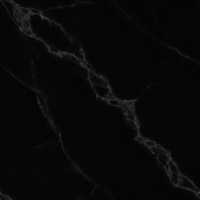
A metallic map tells a PBR renderer which parts of a surface are bare metal (white) and which are not (black). It is usually almost pure black and white, because a surface either is metal or is not; greys are kept for edges, dust and worn paint. In the Normal Map Generator the free tool sets metallic as one level or as a mask of the light or dark parts, and an AI texture set paints a per-pixel metalness map from what each part is made of, from a photo or a description.
What metallic does to a material
Metals and non-metals reflect light differently. A non-metal (wood, stone, plastic, paint) shows its colour in the diffuse light and has a weak, white reflection. A bare metal has almost no diffuse light at all: its colour is in the reflection itself, which is why gold reflects gold.
The metallic map switches between those two behaviours per pixel. With metallic at 1, the base colour becomes the colour of the reflection; with 0, it is the colour of the paint or stone. That is also why a metallic texture often looks dark in the base colour preview and only comes alive on the 3D ball under a light.
Rules of thumb
Keep it black or white. Painted metal is not metal at the top: the paint is black in the metallic map, and only scratches through to the steel are white.
Rust, dirt and oxide are non-metal: they go dark. Greys belong where the two mix within one pixel, such as worn edges or fine dust.
Give metals a light base colour. Real metals reflect most of the light, so a near-black metal base colour reads as plastic. Roughness then decides whether the metal looks polished or brushed.
Free metallic vs an AI metalness map
A photo does not record which parts are metal, so brightness cannot tell steel from grey stone. The free tool gives you a Metalness slider for the whole texture (0 for wood, stone or fabric, 1 for a clean sheet of metal) and a mask mode that makes only the light or the dark parts metal, with a threshold and softness. That is right for single-material textures and for metal that is brighter or darker than the rest, and costs nothing.
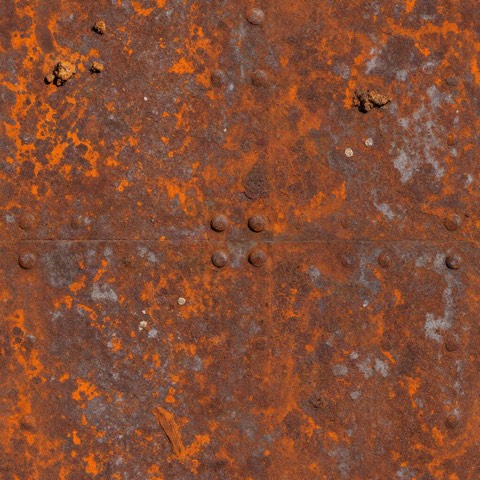
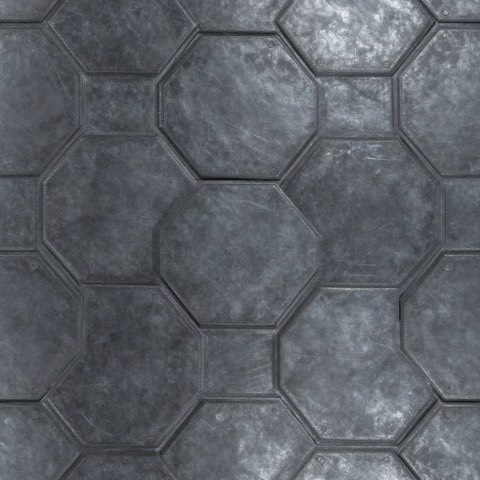
When a texture mixes materials, such as a rusty plate with rivets or painted metal with chips, an AI texture set reads the material in your photo, or paints one from a sentence, and returns a separate metalness map with the rest of the set. The gallery above shows real sets made that way, including rusted steel.
How each engine wants it
The downloads on this page already pack metallic where each engine expects it.
| Engine | Texture | Channel | Download here |
|---|---|---|---|
| Unreal Engine | ORM | Blue (R = AO, G = roughness) | Unreal preset, *_ORM |
| Godot 4 | ORM | Blue (R = AO, G = roughness) | Godot preset, _orm |
| Unity URP / Built-in | Metallic | Red, smoothness in alpha | Unity (Built-in, URP) preset, _MetallicSmoothness |
| Unity HDRP | Mask Map | Red (G = AO, A = smoothness) | Unity HDRP preset, _MaskMap |
| Blender | Separate image | Greyscale into Metallic | Blender preset |
Try it on your own texture
Make normal, height, roughness, AO and ORM maps in your browser, free and with no sign-up.