AI Texture Generator
Type a material, get a full set
Describe a surface and an AI model paints a seamless texture with base colour, normal, roughness, metalness and height maps. It opens lit in 3D, ready to download for Unreal, Unity, Godot or Blender.
AI texture set
A full AI set uses 40 credits; an AI base texture alone uses 2 credits.
Free maps are made on your device. Nothing is uploaded unless you ask for an AI set.
Export for
ZIP with BaseColor, Normal (DirectX), ORM packed, Height and a setup note.
Made from one sentence
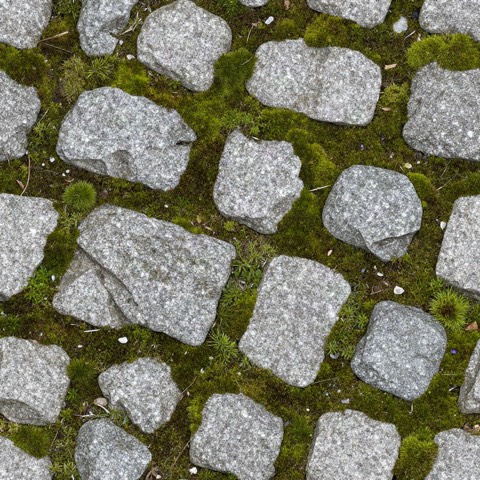
Real AI texture sets from this site, each typed as the line under it. Every set is 1024 px, tiles both ways, and comes with base colour, normal, roughness, metalness and height.
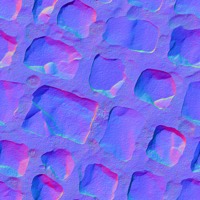
Normal 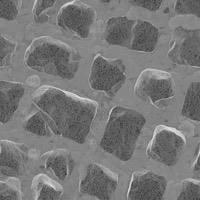
Roughness 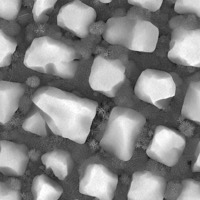
Height Mossy cobblestone
Typed “mossy cobblestone path, grey granite stones with green moss between, top-down”
Normal 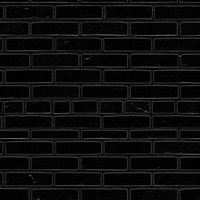
Roughness 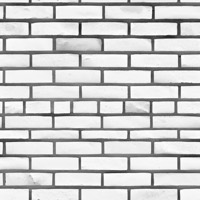
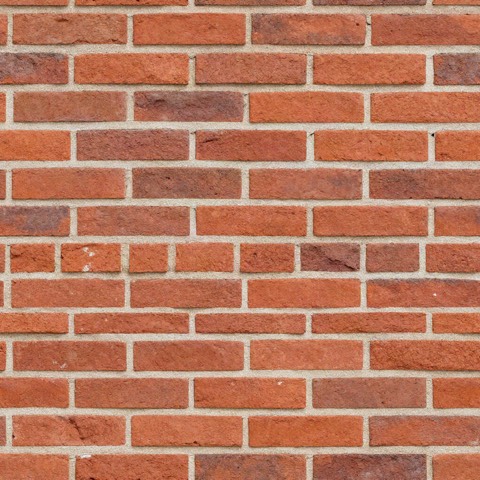
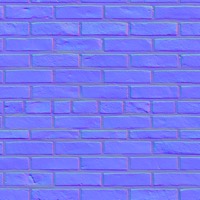
Height Red brick wall
Typed “red clay brick wall with off-white mortar, slightly weathered, front view”
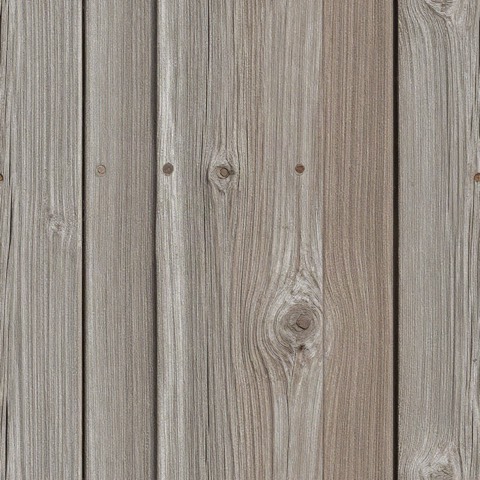
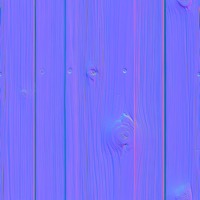
Normal 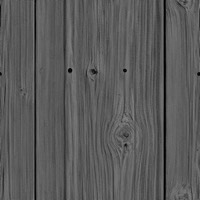
Roughness 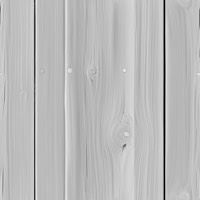
Height Weathered oak
Typed “weathered oak planks with deep grain, a few nail holes, front view”
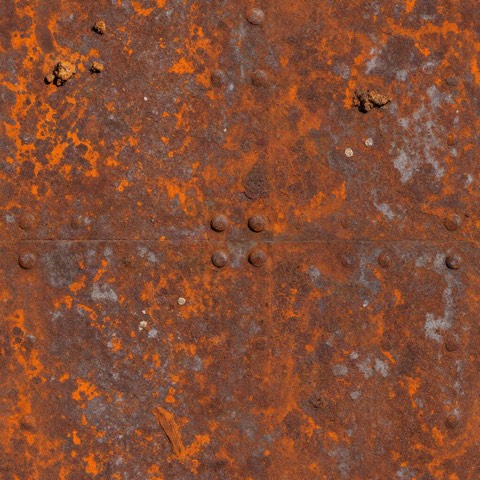
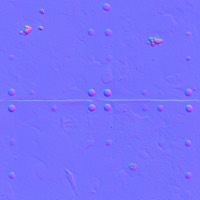
Normal 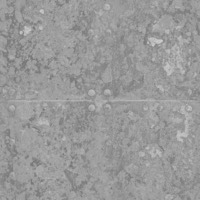
Roughness 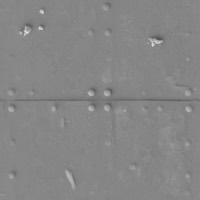
Height Rusted steel
Typed “rusted steel plate with rivets, orange and brown corrosion, front view”
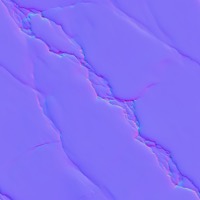
Normal 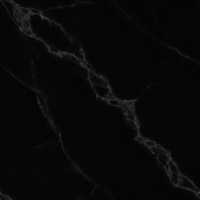
Roughness 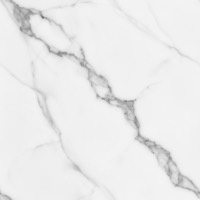
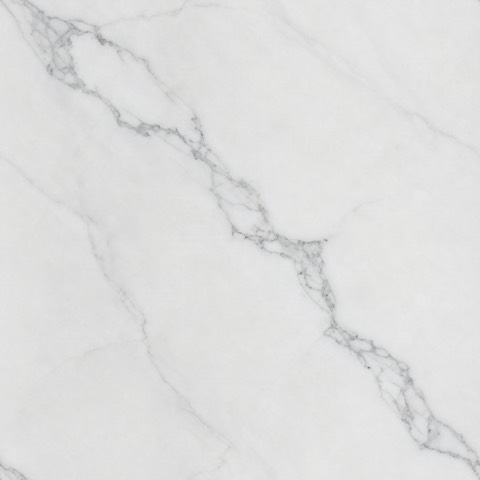
Height White marble
Typed “white marble with soft grey veins, polished, front view”
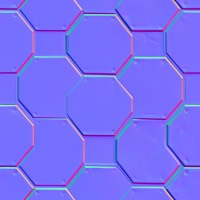
Normal 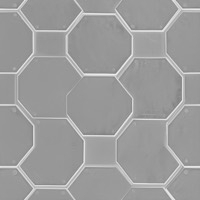
Roughness 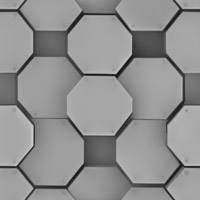
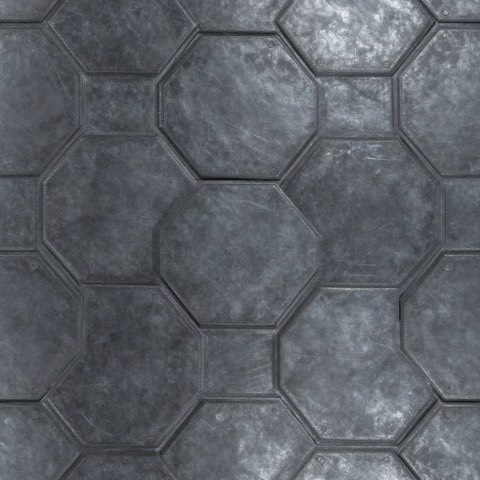
Height Sci-fi floor
Typed “sci-fi hexagon floor panels, dark gunmetal with worn edges, top-down”
Free maps or an AI texture set?
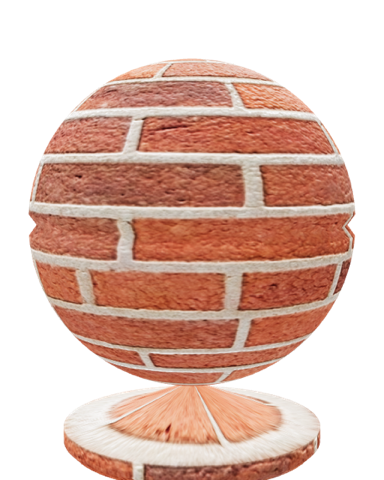
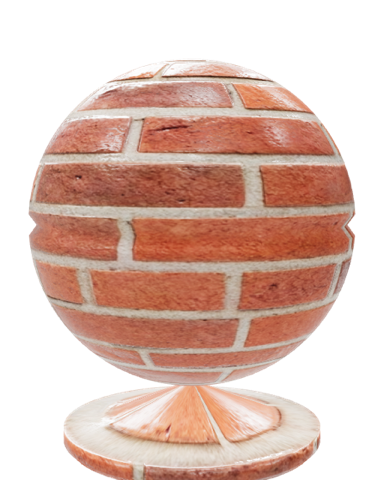
Same photo, same light.
The free maps read height from brightness: lighter means higher. That suits clean textures and sprites like these. Metallic is one level for the whole surface, or a mask of its light or dark parts, so it works when metal and paint differ in brightness.
A photo with shadows, colour changes, or metal and paint of similar brightness fools brightness. An AI texture set reads the material itself and returns base colour, normal, roughness, height and metalness that change part by part.
Make your own AI setHow it works
- Sign in, then type a short description of the surface in the AI texture set box, or pick one of the ideas.
- Press Make a texture from this description. It usually takes two to three minutes; keep the tab open.
- The set opens in the 3D preview. Change the shape, the light and the tiling to check it repeats cleanly.
- Under Export, pick Unreal, Unity, Godot or Blender and download the ZIP, or save any single map.
Writing a description that works
Describe a surface, not a scene. Name the material, its colour and how worn it is: "dark slate roof tiles, wet", "red brick with white mortar, chipped corners", "brushed aluminium with fine scratches". The model makes a flat, straight-on texture, so camera angles, lighting setups and objects in the frame are ignored or come out oddly.
Short is fine. The model expands a short description before it paints, so a few precise words beat a long paragraph. You have up to 300 characters.
What you get
Each set is 1024 × 1024 px: the texture itself plus base colour, normal, roughness, metalness and height maps from the same AI model. The tool adds ambient occlusion, edge and a packed ORM from the height, so the engine exports work exactly as they do for a photo.
The texture is made to tile in both directions. Check it with Tiling in the 3D view before you cover a large floor or wall; very large, distinctive features can still repeat visibly.
From a description or from a photo
If you have a photo of the real surface, switch the AI box to From a photo: the model reads that material instead of inventing one. If you only need maps from an image you already have, the free maps on this page are made in your browser and cost nothing.
Need maps from a real photo?
The free maps are worked out from brightness, which suits clean textures. For photos of real surfaces, AI texture sets read the material itself.
Free maps
Free
Runs on your device
- 8 maps, including packed ORM
- Ready-made sets for Unreal, Unity, Godot and Blender
- Worked out from image brightness: best for clean textures and sprites
- No limit, no account
AI texture set
From 30 credits a set
40 free credits when you sign up
- Base colour, normal, roughness, height and metalness
- Made by a dedicated AI model built for PBR materials
- Tells metal from non-metal parts, which brightness alone cannot
- Plans from $7.99 a month, or one-time packs of 450, 1,500 or 4,500 credits
Questions
Can it make a texture from text alone?
Yes. Type a description and the AI model paints a tileable texture, then makes its normal, roughness, metalness and height maps. No photo is needed.
Is the texture seamless?
It is made to tile in both directions. Check the repeat in the 3D view with Tiling turned up; large one-off features can still be noticeable.
How long does it take?
Usually two to three minutes. The progress bar shows each stage; keep the tab open until the set appears.
Is it free?
A set from a description uses 40 credits, a set from a photo 30, and an AI base texture alone 2 or 10, depending on the model. New accounts get 40 free credits; plans and packs are on the pricing page. The free maps made from your own images stay free.